WORDPRESS PLUGINS
WordPress plugins are what makes a website alive, it is super easy to integrate word press plugins to a website design by using WordPress plugin manager.
To install a plugin you can either use the add new menu and upload a plugin, or you can select a plugin from their plugins manager, they have alot of plugins to offer, but when installing a plugin, make sure to install a high quality plugin because alot of the plugins on their WordPress website list are not so popular, the ratings should be 5 stars minimum and i don’t really download any website design plugins that have less than a couple thousand downloads.
Installing a professional WordPress plugin is important, because if you get a bad plugin by accident, you may possibly run into problems with your website design running extremely slow. A website can run slow because of plugins mainly if the plugin was coded using bad techniques, and making it render blocking all the content from being executed on your site.
Plugins play a big role in part how your website will perform in the future, and updating your plugins is also an extremely important part of maintaining your website after it has been launched by you or your web developer, if plugins aren’t updated,they have a potential to break easily in the future, because its like any technology that isn’t updated these days,it breaks.
Updating a plugin requires practically no effort indeed, all you really have to do is goo into the plugin section of your plugins manager from the WordPress cpanel and look for your plugin, once you found the plugin you want to update, it should display a yellow message box beside or on the plugin if there is a new update available, the look for the plugin update now button, and there easy, your plugin will be updated, after updating your plugin, make sure to refresh your website and make sure that it did not interfere with the layout of your website.
If you choose to edit a plugin on your own, and this topic will apply for editing your themes as well, make sure not to do any direct edits on the plugin itself, because if you change anything inside the plugin, it will most likely get wiped away during an update, because an update reinstall any plugins that you are updating.
To edit the plugin all you need to do is to create a theme child, which is just a copy of a theme that you will be using, and in the theme files, make a file with the same name as the plugin that you want to edit, then all you need to do is copy the file into the file you created in your plugin folder which is located in your child theme, then you can edit it with ease of mind and should have no problems in the future because the plugin will just be overwritten with extra content from the child theme folder.
WORDPRESS THEMES
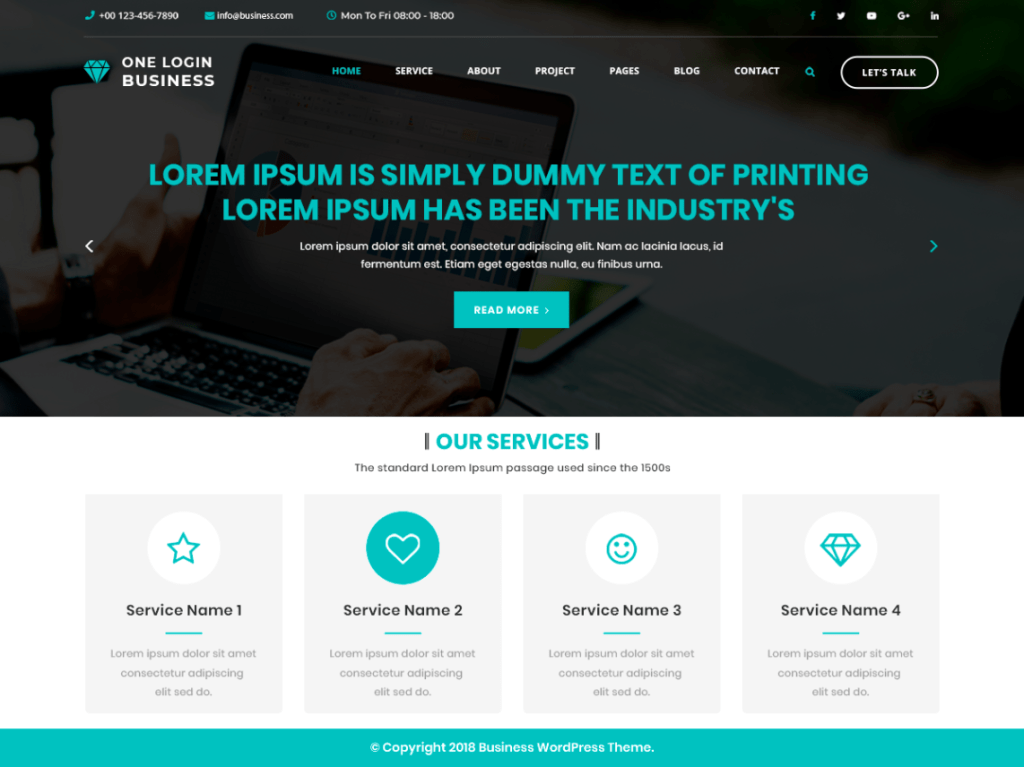
WordPress themes are an amazing addition to website designs being create on WordPress. A WordPress theme is basically a template which allows the user to create a website fast and effective, it makes sense to use a template when building a website design because you will get all the benefits of not creating pages each and every time you wish to update some content or even add a new page. A template is effective because it already has a premade website design layout made for you and you don’t need to think about making the layout work.
WordPress themes are usually mobile responsive, but make sure to only download professionally made themes by experienced developers, any themes that are not made by a reputable and professional theme makes is usually going to be crap with many problems down the line, you can have problems such as content being messed up, words being spelt wrong, and even worse, some plugins that you want to use might not work with that type of website theme.
Themes are usually free, but there are premium themes available, technically premium themes will be much much better made for WordPress because only professionals are allowed to make a premium theme, the usual price of a premium theme would be in and around 55 dollars, but on my experience it is not needed to purchase a premium theme, you can easily get away with using free themes and customizing them alot with using css and JavaScript.
WORDPRESS CUSTOMIZE
WordPress Customize feature is extremely important as there you get all the options on allowing you to fully customize a WordPress website design Dublin. You get many many features in the customize panel of WordPress, but there may be a slight variation in what type of customizing you are allowed to do depending on your WordPress theme. The customize panel on WordPress is extremely useful, from here you can esily edit the colors of your site, add more css, customize the homepage look and even change the standard layout of your website.
A cool feature of the customize panel you get in WordPress is the additional CSS section, in this section you are able to easily add css styles and rules to make your website design Dublin look great on all devices, the additional css section is basically a feature that allows you to add your own custom css. The additional css feature basically allows your website design Ireland to have a better layout, in there you are able to make media queries which essentially change how your website look depending on you devices screen width. Another good part of the customization panel is the menus section, from the menus section you have full control of making or adding a menu to your website.
The menu section allows you to easily make and add menus to your website, you can make a menu by adding different pages to it, then you can even change the names on how they appear in the menu, and once you created the menu you can assign where you would like to use it on your website design, Typically i only use this menu section for adding my header, as when your header is made without using the menu section, it uses your pages full names but that is not always ideal as sometimes you need a header which contains short names, that’s when the menu option will save you, you can also easily select and remove which pages you want to be included in your menu easily by using a drag and drop selection tool.
WORDPRESS WIDGETS
Next on our WordPress list for website designs in Ireland would be the good old WordPress widgets tool. WordPress widgets is a selection of widgets that can be setup anywhere on your website design dublin. There are a bunch of WordPress widgets initially and your WordPress widgets will be different on different WordPress website design dublin themes as the theme will decide where your WordPress widgets are allowed to be places, mainly WordPress widgets are allowed to be places in the footer and sidebar. They are extremely useful in the footer because you can then easily add links and pages to your footer.
When you add an image or link through the widgets panel to your footer, then it is displayed all over your website as the footer links and images are always sticky with each website page. Another cool setting available in the widgets website design area is the theme setting to be changeable, you can change your theme setting in your website design by using the widgets section. There is also a cool feature which allows you to change the these colors in the customization panel, when you change the colors of your theme it would be changed to displaying through out the website. There is a whole lot of different widgets available in the widgets menu when adding it to the footer of your website design Dublin, you can add a widget such as a woocomerce website product item and it will display all your item that your selling on your website.
You can also add a product search in one of your widgets which typically would wither be int he header or the footer of your website design. In the customization panel one other thing that is useful is the background image section, in the background image part, you are able to easily select what type of image you want to use, once you selected your background image, you can then either center the image ir make it a fixed position, it will then make your website design look much better since your website will be including a image in the design and you can all agree a website with a background image look much nice than a plain old website without any background images available.
One last thing that i would include in my top customization items in the WordPress customization menu would by the Site Logo selection, this course depends whether your WordPress theme has allowed it or now, but to be fair, most WordPress themes nowadays have the option to include a friendly logo on your website design, a logo is essential for your website since it gives your website a meaning and it is basically branding your website design.
WORDPRESS ELEMENTOR
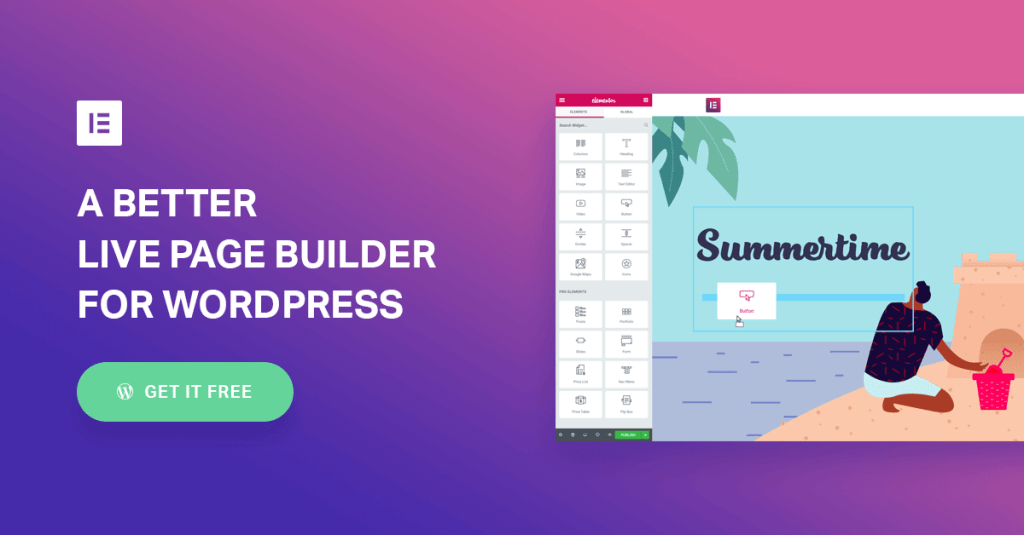
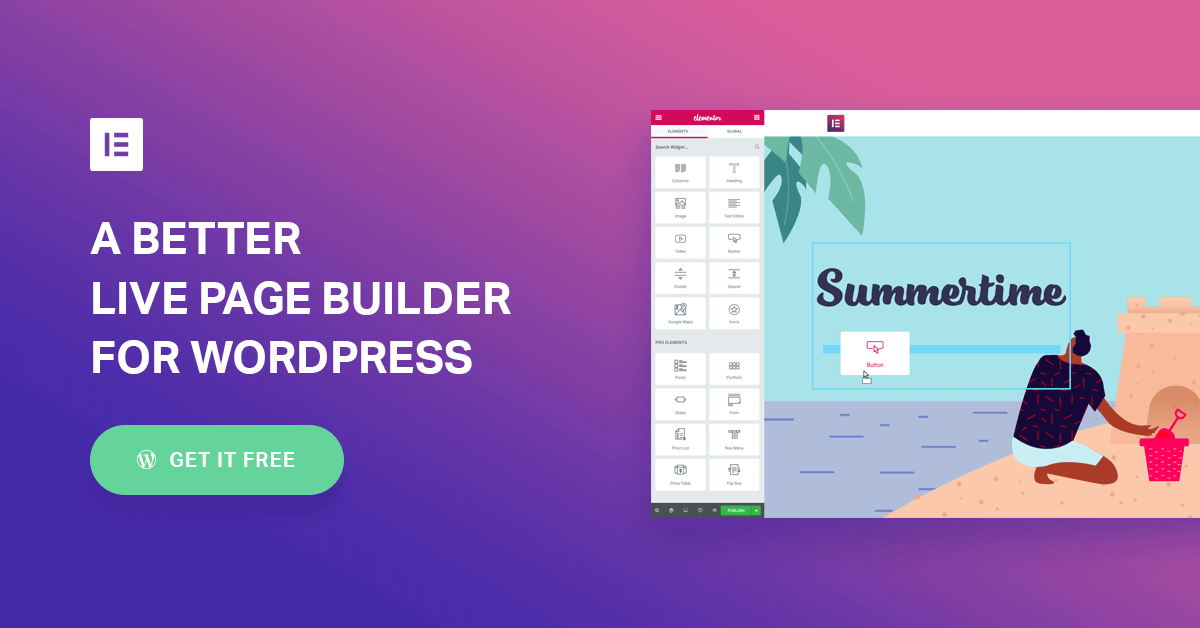
Lastly on this topic the next best feature that WordPress has to offer is the elementor drag and drop site builder. Elementor is esentially a plugin, but this plugin deserves its own topic, mainly because there is alot to it, elementor allows you to create a website using its built in features of being able to drag and drop elements on a website screen. Elementor allows a user to create a Web design without any knowledge of website designing and it can easily allow you to customize your own layout.
In elementor you get a beautiful panel when building a website which allows you to change colors, change fonts used, and even change the way the website will look like on smaller screen sizes without adding any additional css code. Elementor is available in pro version, but for now i have only used the free version as the free version of elementor allows you to build sites freely, but if you need to make a design for a ecommerce website, then you would need to purchase elementor pro.
Elementor pro isint too expensive but the bad thing about is, is that you can only buy elementor pro on one website, then if you need to use it on another website, you would need to purchase elementor pro again, which i feel is a little unfair and i think that elementor will change this in the future, Elementors price is about 55$ for 1 website, but you can get better deals if you buy it for multiple other websites all at once. I would recommend to use elmentor to most people that want to build their own website design Dublin and don’t know much about coding in general, but its even used by professionals which tells you a lot.
Elementor has a lot of features built into the free version and its a well coded plugin which doesn’t really slow down your web page speed loading times by much, but if you need to get faster speed loading times ad if its your main priority for your website design Dublin, then i would recommend to build a website using bare html and css, so elementor is a good way for making a site when it needs to get updates regularly by other people that don’t have much coding experience.
Elementor has a great addition of using templates which you can easily create your own and insert them where you want, this is cool when you need to have the same sections on multiple pages which allows you to fast drag and drop a part of your website design into multiple pages. Elementor Pro does have a cheeky way of earning money, and that is fair because they do provide a decent service, actually more than decent i would say, extremely lovely service by elementor.
They offer a pro plan for 1000 websites for a charge of 199$ per month, that is actually fairly decent i would say, and most likely my next item on the to buy list 😀
 How to Create Website Designs